Screen recordings with automatic transcripts and summaries
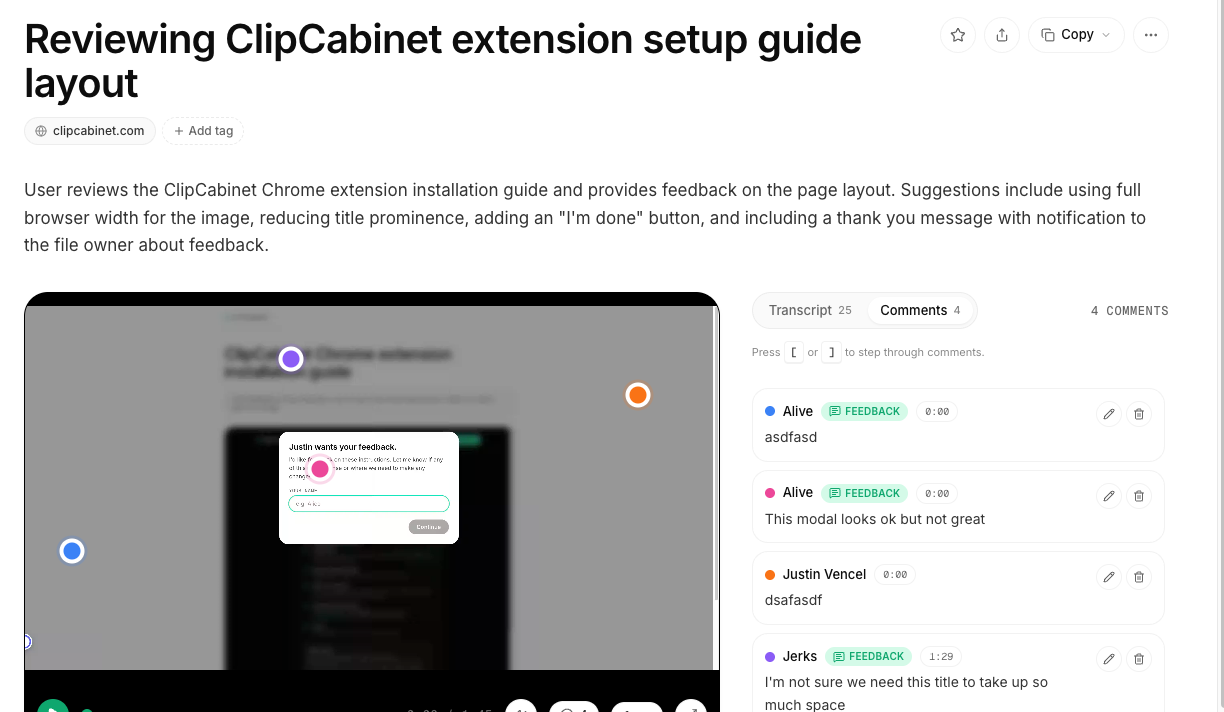
Screen recordings are commonly used to show others how something works or behaves, but the results can frequently end with just another video that is difficult to search or reference later. As we share more videos with AI tools, this limitation becomes even more apparent. We built ClipCabinet to change that.
You can now record any tab, window, or your full desktop directly from the browser. The recording is saved as a clip in your library and processed automatically in the background. This generates a transcript of any speech, a summary of what was discussed or shown, and a description of the visual content. Vector embeddings are also created to enable semantic search across your clips.
As a result, clips become readable and searchable without requiring you to watch the full recording. This is the core capture flow that other features in ClipCabinet build upon.
To start, click New recording. When finished, stop the recording and the processed clip will appear in your library.