Connect your clips to AI agents over MCP
Your recordings already carry a transcript, summary, and visual description, but that context is only useful to your AI tools if they can actually reach it. Now they can.
ClipCabinet runs an MCP server (Model Context Protocol), an open protocol for connecting AI tools to outside data. You mint an API token, connect your agent or client, and it can list, search, and read any of your clips, pulling the video or screenshot along with its transcript, summary, and metadata. The server runs over a plain HTTP transport, so it works with Claude Code and similar clients without any local proxy setup.
As a result, you can ask your coding agent or assistant about something you recorded and have it pull the real clip and its context directly, instead of copying details over by hand.
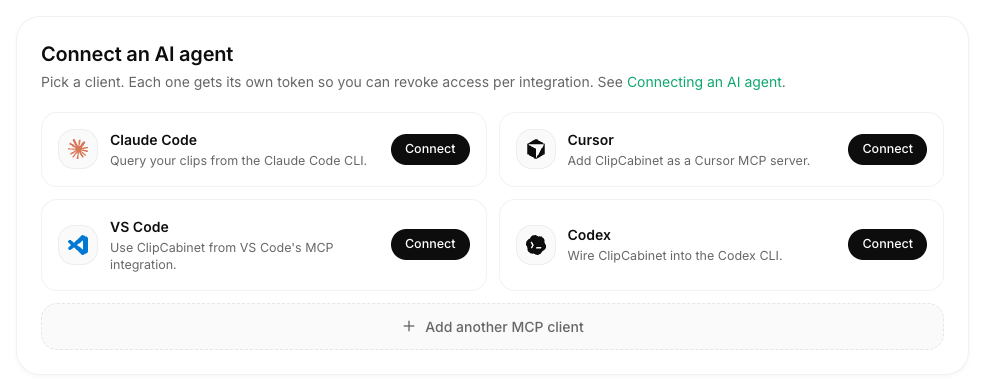
To connect, open Settings, go to API tokens, mint a token, and paste it into your MCP client. Available now.