We've simplified your MCP setup
ClipCabinet
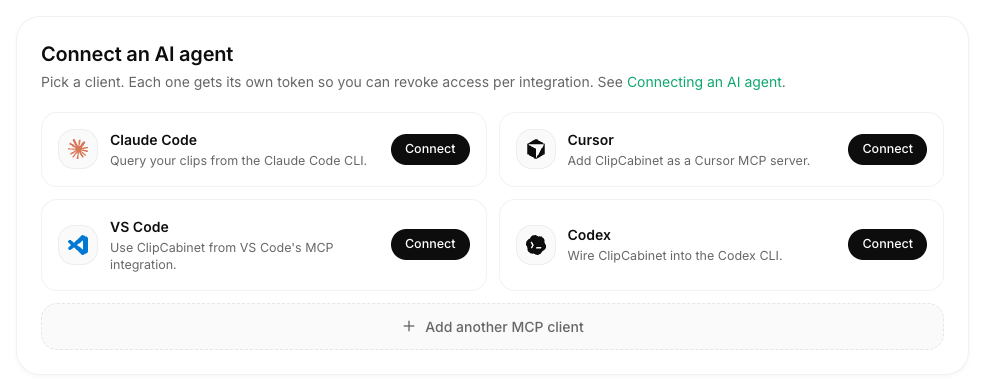
Setting up an AI client is now just a couple of clicks away, and still the most powerful way to use ClipCabinet. The MCP settings give you quick setup instructions for Claude Code, Cursor, VS Code, and Codex. You can still add any of your favorite agents with the raw MCP command. You can find them under Settings → MCP.